Documentation/Maemo 5 Final SDK/Using Finger Keyboard: Difference between revisions
From Maemo Wiki
Jump to navigationJump to search
imported>sixwheeledbeast m Reverted edits by 93.124.84.147 (Talk) to last revision by amigadave |
imported>sixwheeledbeast m Protected "Documentation/Maemo 5 Final SDK/Using Finger Keyboard": Excessive vandalism ([edit=autoconfirmed] (indefinite) [move=autoconfirmed] (indefinite)) |
(No difference)
| |
Latest revision as of 23:47, 24 March 2018
This article explains how to enable the virtual keyboard on the N900.
-
Click on the application menu button.
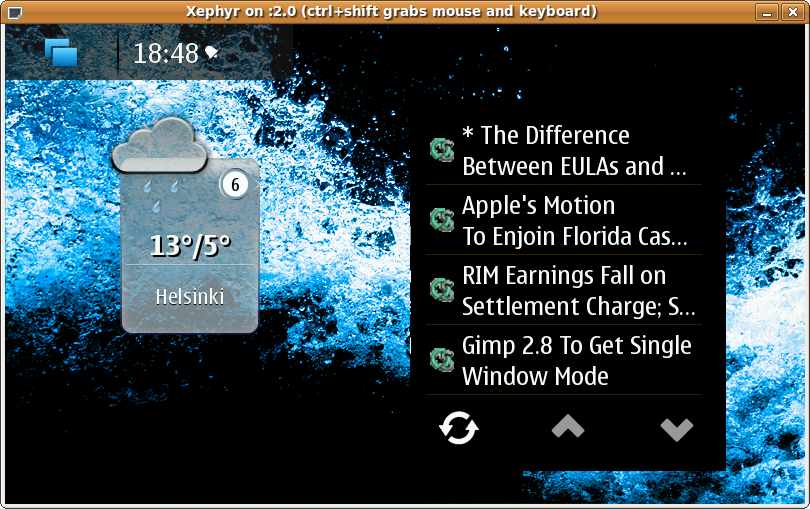
N900 desktop -
Go to "Settings".
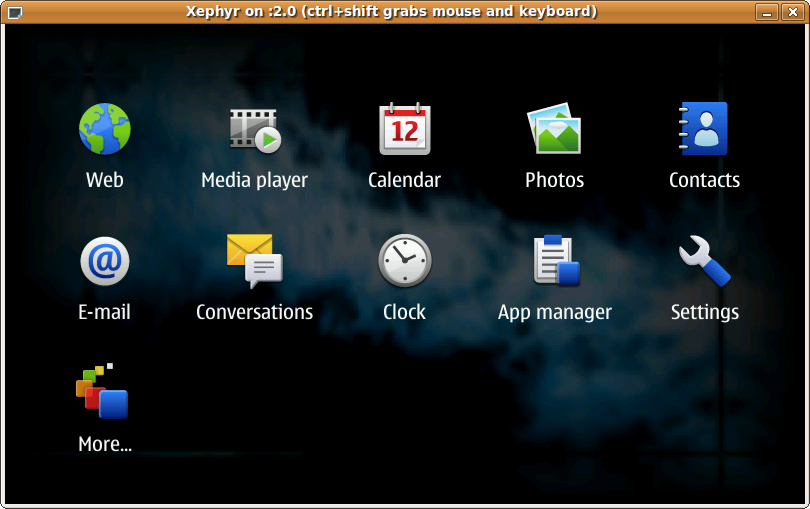
Application menu -
Go to "Text input" settings.
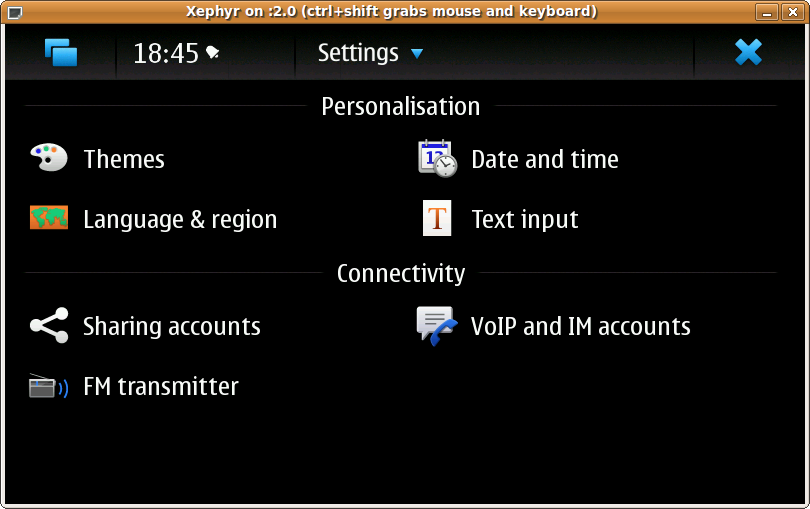
Settings application -
Enable virtual keyboard and save the settings.
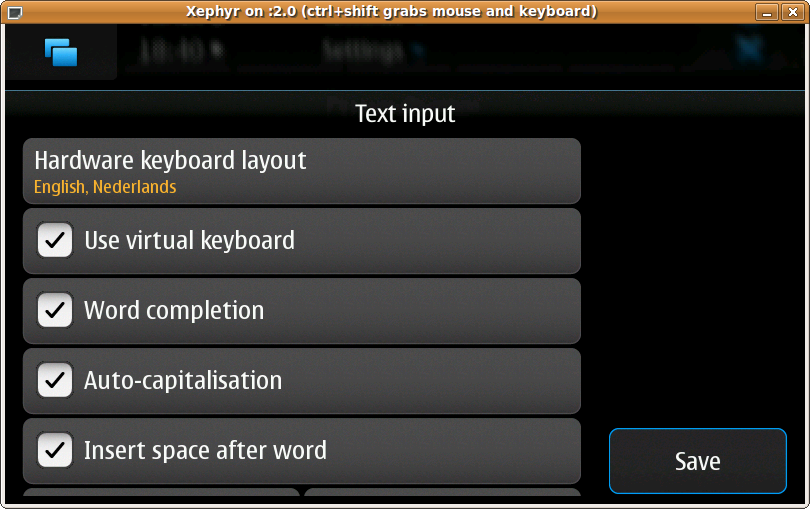
Text input settings dialogue -
Now, clicking on any text field should pop up the virtual/finger keyboard.
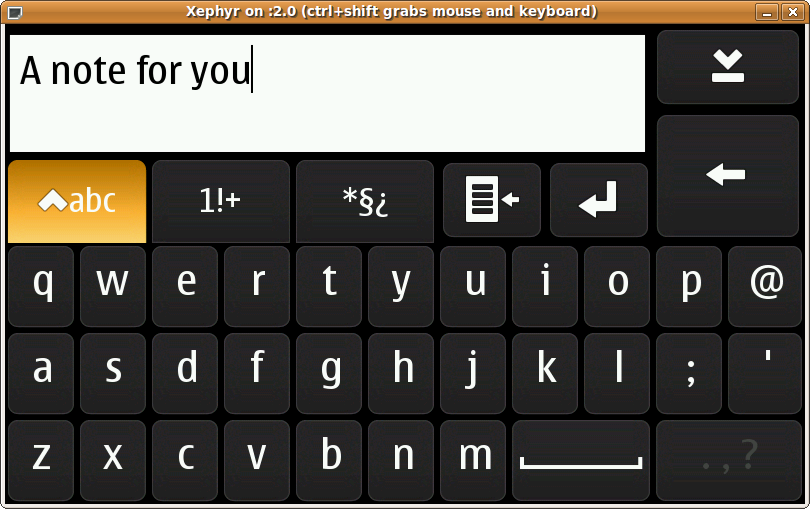
Virtual keyboard


