Documentation/Maemo 5 Final SDK/Using Finger Keyboard
From Maemo Wiki
Jump to navigationJump to search
This article explains how to enable the virtual keyboard on the N900.
-
Click on the application menu button.
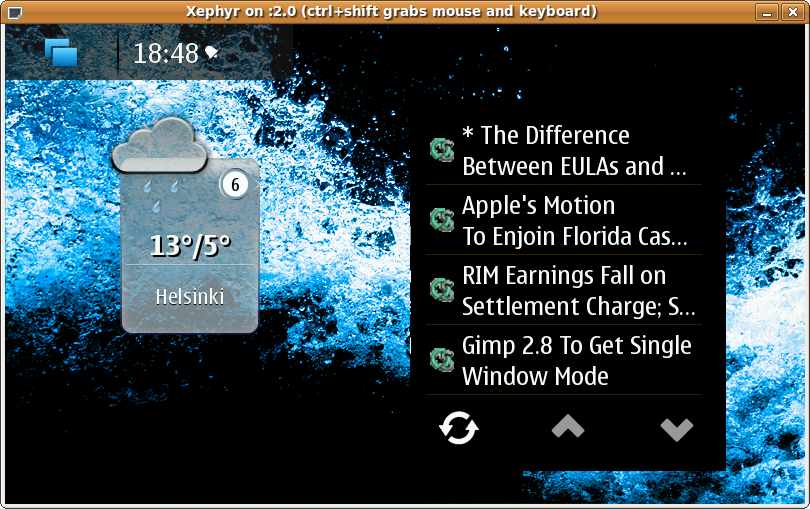
N900 desktop -
Go to "Settings".
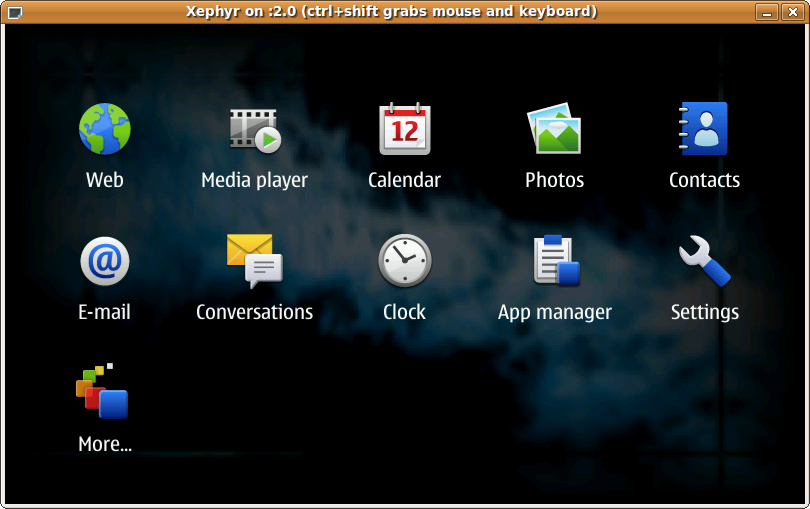
Application menu -
Go to "Text input" settings.
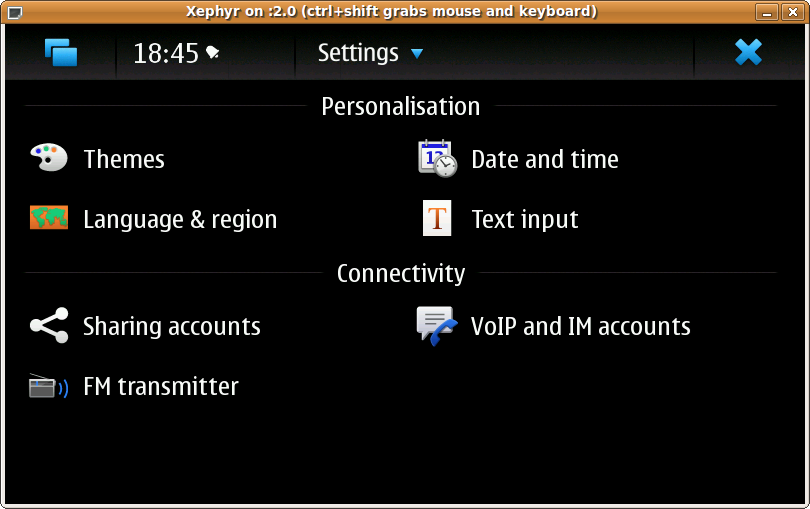
Settings application -
Enable virtual keyboard and save the settings.
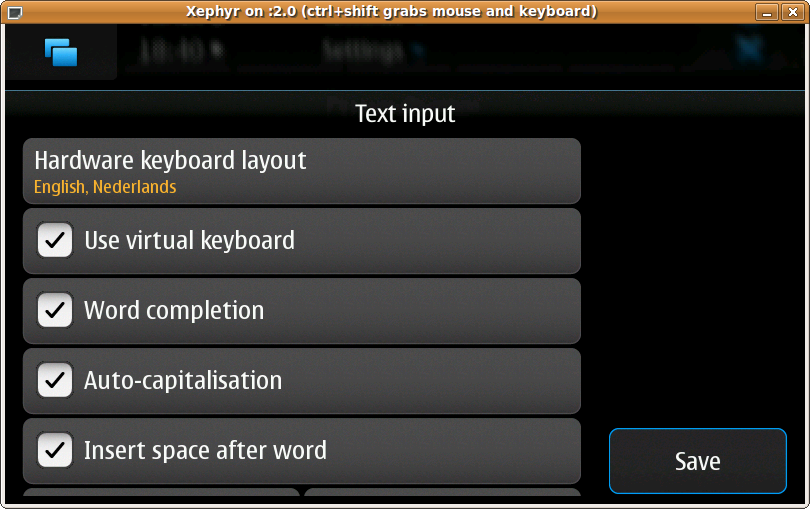
Text input settings dialogue -
Now, clicking on any text field should pop up the virtual/finger keyboard.
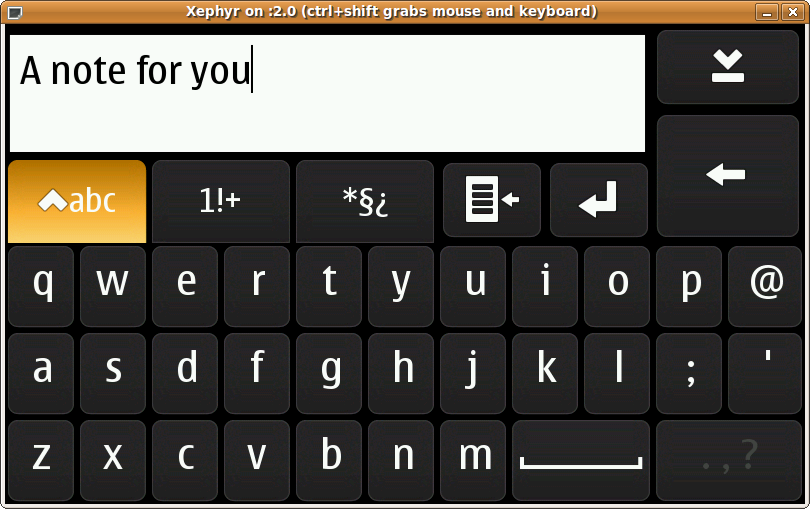
Virtual keyboard


